.png)
AI Reporting for Marketing Agencies: Cutting Client Report Time
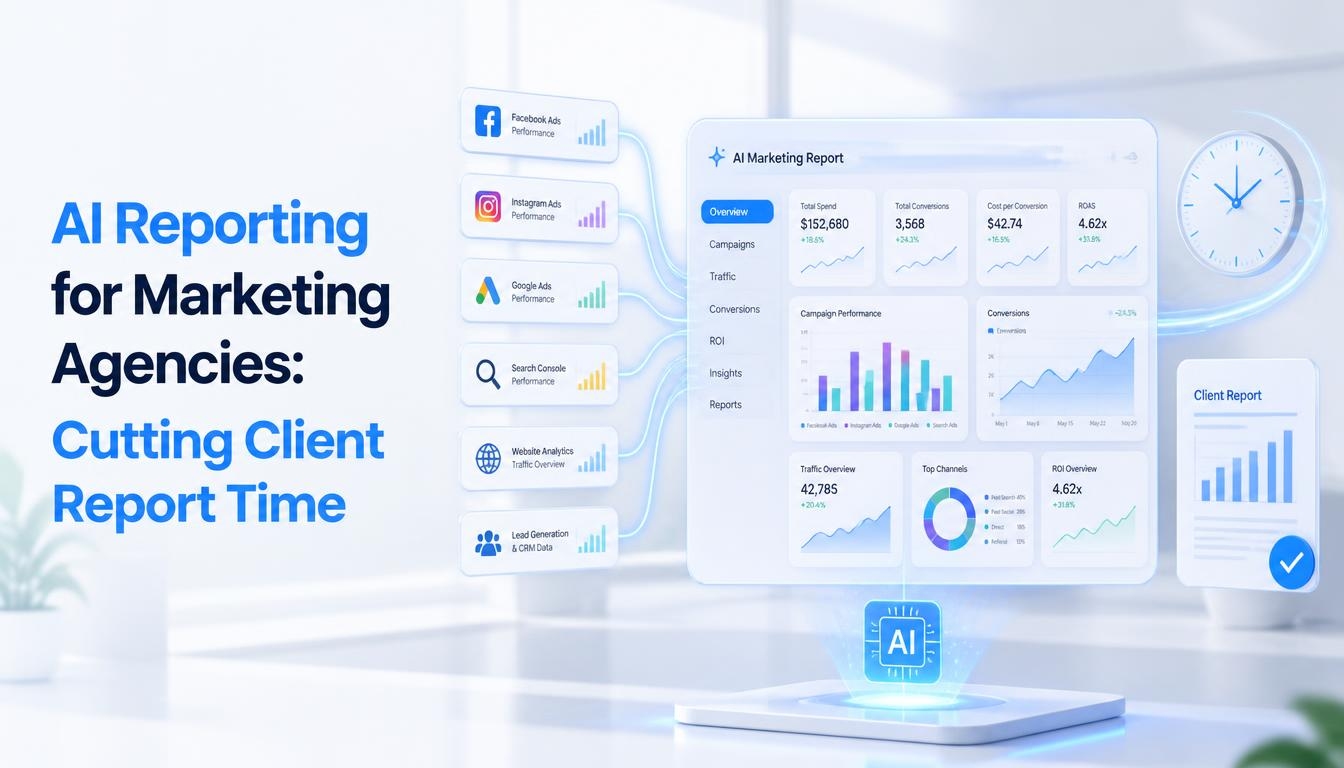
Friday afternoon at most agencies looks the same: account managers buried in spreadsheets, pulling screenshots from four ad platforms, and rewriting the same 'here is what happened this month' paragraph for the tenth client in a row. Reporting rarely wins new business, but doing it badly loses retained business fast. That is the gap ai analytics for marketing agencies is closing, replacing the manual pull copy paste cycle with a system that gathers the data, drafts the narrative, and leaves the account manager to review and personalize rather than build from zero.
Why Client Reporting Eats So Much Agency Time
A typical monthly report touches several disconnected systems, Google Ads, Meta Ads, Google Analytics, a CRM, maybe an email platform, none of which speak to each other natively. An account manager has to log into each one, export or screenshot the numbers, reconcile naming differences between platforms, and then write commentary explaining what the numbers mean. Multiply that by a book of 12 or 20 clients and reporting alone can consume a full day or more every month, time that is not spent on strategy or the work that actually moves client results.
What AI Analytics for Marketing Agencies Actually Does
At its core, this category of tool connects to an agency is ad accounts, analytics properties, and CRM, pulls the relevant metrics on a schedule, and uses a language model to turn the raw numbers into a first draft narrative, what changed, why it likely changed, and what it means for the client is goals. The account manager is job shifts from building the report to editing it.
Three capabilities matter most for agencies specifically:
• Cross platform data unification; One login pulls Google, Meta, LinkedIn, and analytics data into a single client view
• Automated narrative drafting; Plain language commentary generated from the numbers, not just charts
• Anomaly and pacing alerts; Flags when a campaign is over or under pacing before the client notices
Client Reporting AI: From Data Pull to Finished Deck
Client reporting ai tools typically follow the same underlying pattern regardless of vendor: connect the data sources once, define a report template per client or client type, and let the system regenerate the report on a recurring schedule. The account manager opens a draft rather than a blank document, reviewing AI written summary paragraphs, adjusting tone or adding context the model could not know (a paused campaign for a product launch, a seasonal dip that is expected), and sending.
The time savings compound with agency size. A single report might save an hour; across 20 clients reported monthly, that is the equivalent of two to three recovered workdays every month.
Choosing a Marketing Intelligence Platform Over a Basic Dashboard
Not every reporting tool that claims 'AI' actually interprets data, many simply auto populate a template with numbers, which still leaves the thinking to the account manager. A genuine marketing intelligence platform goes further: it identifies which channels are actually driving the client is stated goal, explains anomalies in context (a traffic spike from a press mention versus a paid campaign), and can flag budget pacing risk before month end rather than after.
Reporting Method | Time per Client Report | Best Fit |
Manual (spreadsheets + screenshots) | 3 to 6 hours | Agencies with 1 to 3 clients and no reporting budget |
Templatebased dashboard tools | 45 to 90 minutes | Agencies standardizing on a handful of platforms |
AI analytics for marketing agencies | 5 to 15 minutes | Agencies managing 10 plus clients across mixed channels |
For agencies still on spreadsheets, even a template based tool is a meaningful upgrade. But agencies managing double digit client rosters across mixed channels typically see the fastest payback from a full AI analytics platform, since the time saved per report scales directly with the number of clients being reported on.
Rolling Out AI Reporting Without Losing the Personal Touch
1. Start With Your Highest Volume Clients
Connect data sources and build the first automated report for the clients that currently take the most manual time, usually multi channel accounts, so the time savings are visible immediately.
2. Keep a Human Edit Pass Mandatory
Treat the AI draft as a first pass, not a final send. A quick account manager review catches context the model can not know and keeps the client facing voice consistent with the relationship.
3. Standardize Templates by Client Type
Build report templates around client goals (lead gen, ecommerce, brand awareness) rather than one generic format, so the AI narrative focuses on the metrics that actually matter to each client.
Frequently Asked Questions
What is AI analytics for marketing agencies?
It is software that pulls performance data from ad platforms, analytics tools, and CRMs into one place, then uses machine learning to summarize results, flag anomalies, and draft client ready narrative in plain language, turning a manual reporting task into a review and send task.
How much time can client reporting AI actually save?
Agencies typically cut per client report time from several hours to under 20 minutes once data connections are set up, since the AI handles data pulls, chart building, and first draft commentary automatically.
Will AI written reports sound generic to clients?
Only if the account manager sends the raw output. The reliable pattern is AI drafts the narrative and pulls the numbers, then the account manager edits for the client is specific context and voice before sending, faster than writing from scratch, but still personal.
What is the difference between a marketing intelligence platform and a basic dashboard tool?
A dashboard tool visualizes data you already understand. A marketing intelligence platform interprets it, surfacing which campaigns are actually driving results, predicting budget pacing issues, and explaining why a metric moved, not just that it moved.
Do small agencies need this, or only large ones?
Smaller agencies often see the biggest relative time savings, since a solo account manager reporting on 15 clients has no team to absorb the manual workload the way a larger agency can.
Which data sources should connect first?
Start with whichever platforms drive the most client questions, usually paid ad accounts (Google, Meta) and web analytics, then add CRM and email data once the core reporting workflow is running smoothly.
Conclusion: Give Your Team Their Fridays Back
Reporting will always be part of agency life, but it does not have to consume the days before it is due. A real marketing intelligence platform turns scattered platform logins into one unified, explained view of client performance, and client reporting ai turns that view into a draft ready for a human touch rather than a blank page. Agencies that make the switch typically do not just save hours, they free account managers to spend that time on the strategic conversations that keep clients around.
Want to see how much time your team could get back? Connect one client is data and generate your first AI drafted report this week.